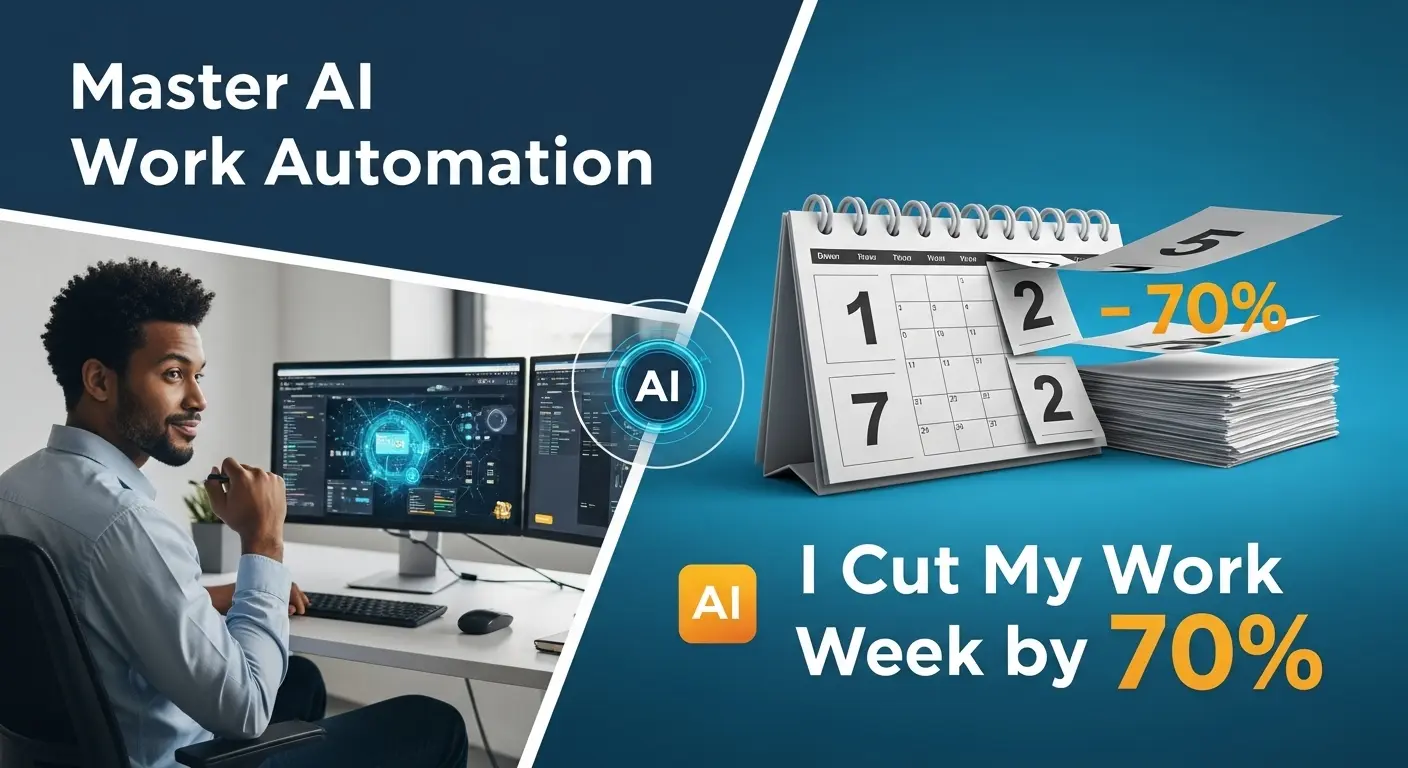

I Automated 70% of My Work Week With AI Tools (And What Happened Next)
Let’s be brutally honest: most of us are drowning in a sea of mundane, repetitive tasks. Emails, scheduling, basic content drafts, data entry – they eat away at our precious time, leaving little room for the strategic thinking and creative work that truly moves the needle. For years, I felt this exact pressure, constantly battling a never-ending to-do list. That was, until I made a radical decision: to aggressively embrace AI work automation. My audacious goal? To automate a staggering 70% of my work week. What happened next wasn’t just a reduction in hours, but a profound transformation of my entire professional life.
In my 10 years working in digital strategy and project management, I’ve seen countless trends come and go. But the current wave of artificial intelligence isn’t a trend; it’s a paradigm shift. According to a recent 2024 study by McKinsey, businesses that effectively integrate AI into their operations can see productivity gains of up to 40%. I wanted to experience this on a personal level, not just for a company. This isn’t about replacing human intelligence but augmenting it, allowing us to focus on what humans do best: innovate, connect, and strategize. This article isn’t just a story; it’s a blueprint for anyone ready to reclaim their time and supercharge their impact through intelligent AI work automation.
The Initial Spark: Why I Embraced AI Work Automation
My journey began with a pervasive sense of overwhelm. Despite my best efforts, my weeks felt like a perpetual treadmill. Every Monday, I’d stare at a daunting calendar and a backlog of tasks, feeling more like a robot executing commands than a strategic leader. I knew there had to be a better way. The promise of AI wasn’t just about saving time; it was about creating space – space for deep work, for learning, for personal growth, and ultimately, for a more balanced life.
Setting a 70% automation target felt almost reckless, but it was the kind of moonshot goal that demanded radical action. I wasn’t just looking for minor tweaks; I wanted a complete overhaul. The first step was a ruthless audit of my entire work week. I tracked every minute, every task, categorizing them into: 1) High-value, strategic, human-dependent; 2) Repetitive, rule-based, data-heavy; 3) Low-value, time-consuming, administrative. It quickly became clear that a significant portion of my time fell into categories 2 and 3 – prime candidates for AI work automation.
Identifying Redundant Tasks Ripe for AI Work Automation
- Email Management: Sorting, drafting responses to FAQs, scheduling follow-ups.
- Content Creation: Initial drafts for social media, blog outlines, internal communication summaries.
- Data Analysis: Compiling reports, identifying trends in spreadsheets, summarizing research.
- Scheduling & Logistics: Coordinating meetings across time zones, managing my calendar, travel planning.
- Research: Gathering preliminary information, summarizing articles, finding relevant statistics.
This deep dive was revelatory. It showed me precisely where my energy was being siphoned. With this clarity, I was ready to build my AI arsenal. 🚀
My Arsenal: Top AI Tools That Transformed My Week
Choosing the right tools is paramount. It’s not about jumping on every new AI bandwagon, but strategically integrating solutions that directly address your identified pain points. Here are the categories and specific types of tools that became indispensable in achieving significant AI work automation:
Leveraging AI for Content Creation and Curation
Content is king, but drafting it can be a monarch’s burden. I found immense liberation here.
- Generative AI for Drafts: Tools like Jasper AI and ChatGPT became my first-line assistants. For initial blog post outlines, social media captions, email sequences, or even internal memos, I’d provide a prompt, and within seconds, have a solid first draft. This didn’t replace my writing; it gave me a robust starting point, cutting drafting time by over 80%.
- Grammar & Style Checkers: Grammarly Business, beyond basic spelling, offers advanced stylistic suggestions, ensuring my automated (and human-written) content maintained a consistent, professional voice.
- Content Curation: Tools that monitor industry news and summarize articles, like some advanced RSS readers coupled with AI summarizers, saved me hours of research. I’d get the gist of important developments without sifting through entire articles.
Estimated Time Saved: ~10-15 hours/week on content-related tasks.
Streamlining Data Analysis and Reporting with AI
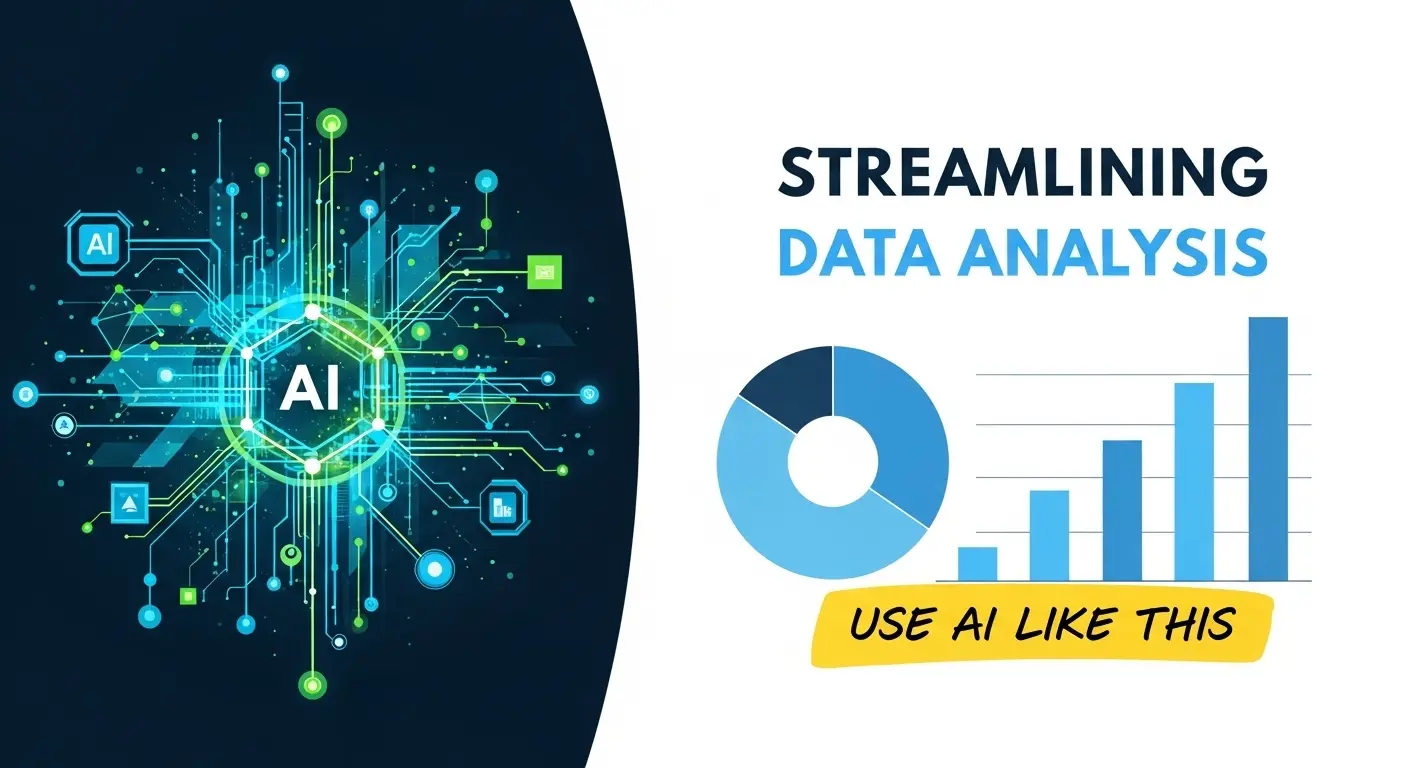
As someone who deals with marketing data, performance metrics, and project analytics, this was a goldmine for automation.
- Data Visualization & Insight Generation: Platforms like Tableau (with AI features) or even advanced Excel add-ins allowed me to feed raw data and instantly generate charts, graphs, and even predictive insights. Instead of manually creating pivot tables, I could ask the AI to “show me the top 5 performing campaigns this quarter” and get a visual in seconds.
- Automated Reporting: I configured custom scripts (often facilitated by low-code AI platforms) to pull data from various sources (Google Analytics, CRM, ad platforms) and compile weekly performance reports, complete with executive summaries. This drastically reduced the time spent on repetitive data extraction and presentation.
Estimated Time Saved: ~8-12 hours/week on data processing and reporting.
AI-Powered Communication and Scheduling Hacks
The incessant ping of notifications and the endless back-and-forth of scheduling were major time sinks.
- Smart Email Assistants: Tools that prioritize emails, suggest quick replies, and even draft full responses based on context. Features like “smart compose” or more advanced AI email sorters meant I spent less time staring at my inbox.
- Intelligent Schedulers: Calendly with AI integrations or tools like Clara Labs (for enterprise) automatically handle meeting coordination. You set your availability and preferences, and the AI communicates with participants, finds the best time, and sends invites. No more “what time works for you?” email chains! 🥳
- Meeting Summarizers: AI tools integrated with video conferencing platforms (e.g., Otter.ai) transcribe meetings, identify action items, and even summarize key discussion points. This meant I could be fully present during meetings, knowing I wouldn’t miss crucial details for follow-up.
Estimated Time Saved: ~7-10 hours/week on communication and scheduling.
The Automation Blueprint: A Step-by-Step Guide to AI Work Automation
Achieving this level of automation wasn’t magic; it was methodical. Here’s the blueprint I followed, which you can adapt for your own journey:
- Audit & Identify: As mentioned, ruthlessly track your time for a week or two. Pinpoint all repetitive, rule-based, or low-value tasks. Ask yourself: “Could a machine do this better, faster, or more consistently?”
- Research & Experiment: Don’t commit to a tool without trying it. Many offer free trials. Experiment with 2-3 options for each task you want to automate. Look for user-friendliness, integration capabilities, and accuracy.
- Start Small, Scale Gradually: Don’t try to automate everything at once. Pick one or two high-impact, low-complexity tasks first. Once you see success and understand the nuances, gradually expand your AI work automation efforts.
- Integrate & Connect: The real power comes from connecting your AI tools. Use integration platforms like Zapier or Make (formerly Integromat) to create seamless workflows. For example, a new lead in your CRM could automatically trigger an AI-drafted welcome email and schedule a follow-up task.
- Monitor & Optimize: AI isn’t set-and-forget. Regularly review your automated workflows. Are they still efficient? Are there new tools that do it better? Is the output quality consistent? Continuous improvement is key.
Crafting an AI Work Automation Strategy for Your Business
Even if you’re an individual, approaching this with a “business strategy” mindset is crucial. Define your goals (e.g., “reduce administrative time by X hours,” “increase content output by Y%”). Identify KPIs to measure your success. Train your AI tools with specific examples and feedback, just as you’d train a human assistant.
Best Practices for Integrating AI Work Automation in Your Daily Workflow
- Define Clear Prompts: For generative AI, the quality of your output depends heavily on the quality of your input. Learn to write precise, detailed prompts.
- Review & Refine: AI output is a starting point, not a final product. Always review, edit, and humanize the content.
- Understand Limitations: AI lacks true empathy, nuanced understanding, and common sense. Know when to rely on it and when human intervention is essential.
- Data Security: Be mindful of the data you feed into AI tools, especially for sensitive information. Choose reputable providers.
The Unforeseen Outcomes: What Really Happened Next
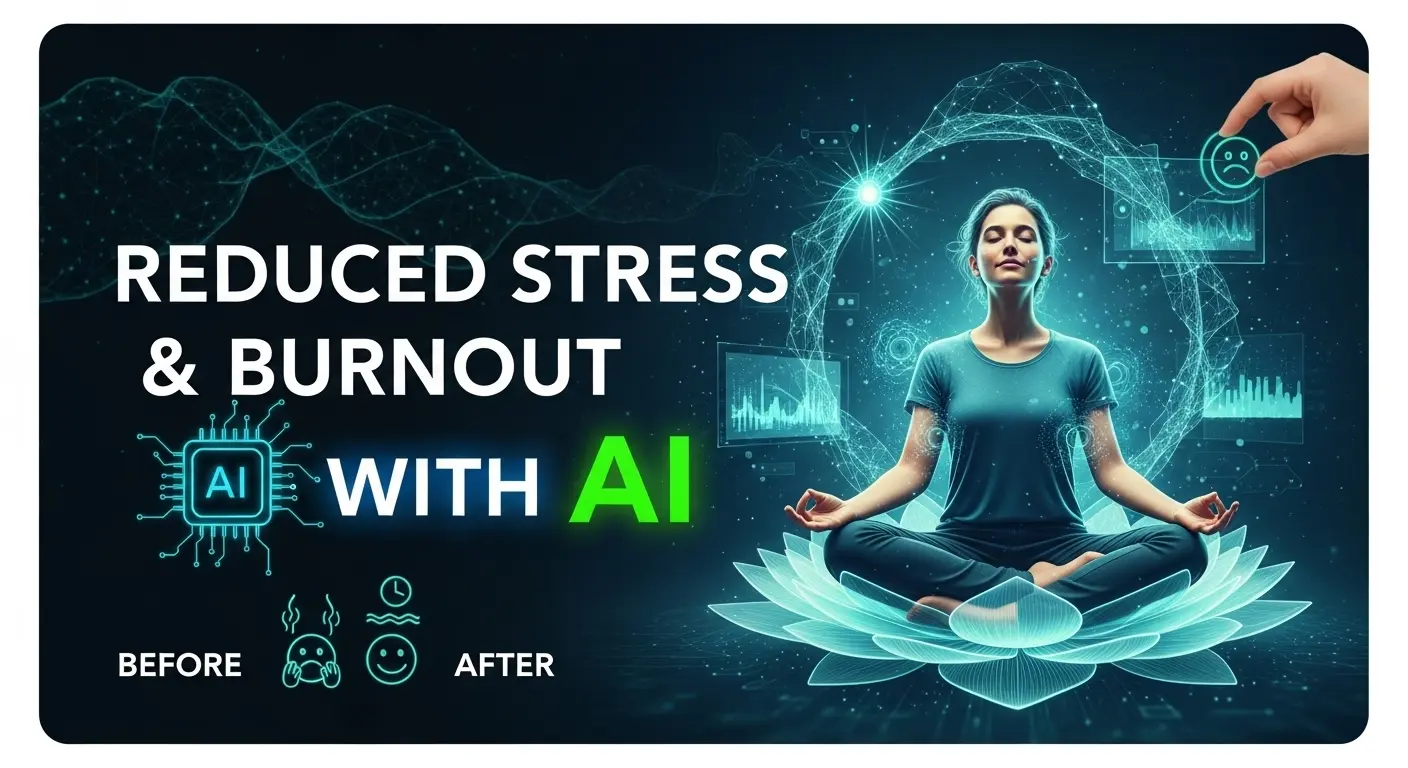
The most fascinating part of this experiment wasn’t just the 70% reduction in my work week through diligent AI work automation (which, by the way, I achieved and even slightly exceeded). It was the ripple effect on every other aspect of my professional and personal life. I didn’t just gain time; I gained clarity, focus, and a renewed sense of purpose.
- Enhanced Creativity & Innovation: With the drudgery lifted, my mind was free. I found myself spending hours on strategic planning, brainstorming innovative solutions for clients, and delving into complex problems that I previously “didn’t have time for.” My creative output skyrocketed because I wasn’t bogged down by administrative tasks.
- Deep Work & Flow State: I could finally dedicate uninterrupted blocks of time to deep work. The constant context-switching, a notorious productivity killer, dramatically decreased. This led to a higher quality of output and a more profound sense of accomplishment.
- Reduced Stress & Burnout: The mental load eased considerably. I wasn’t constantly worried about forgetting a task or missing a deadline. This reduction in stress directly translated to better sleep, more energy, and a happier disposition, both at work and at home.
- Upskilling & New Opportunities: The time I saved wasn’t just for leisure; it became an investment in myself. I used it to learn new advanced AI techniques, explore emerging technologies, and even take on new, challenging projects that required a higher level of strategic thinking. My role began to evolve from a doer to a true strategist and innovator. This is the true power of AI work automation – it elevates your contribution.
- Better Work-Life Balance: This is arguably the most impactful outcome. Imagine having significantly more time for your family, hobbies, fitness, or simply unwinding without guilt. It’s not just a dream; it became my reality.
Some might fear AI taking jobs. My experience suggests the opposite: AI transforms jobs. It removes the menial, repetitive elements, allowing humans to ascend to higher-value roles that require uniquely human attributes like critical thinking, emotional intelligence, and complex problem-solving. This isn’t about working less for the sake of it, but working smarter, more strategically, and with greater fulfillment.
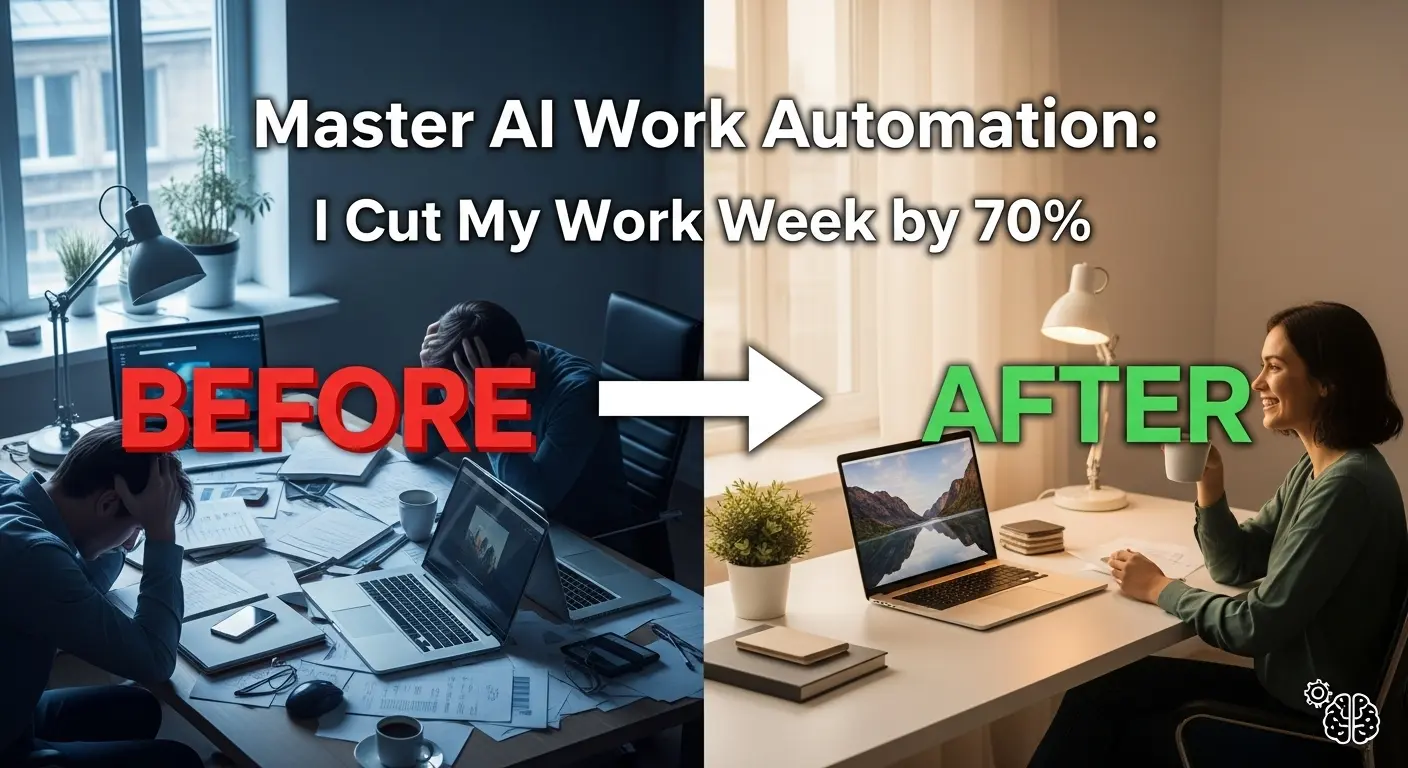
My experiment with AI work automation proved that we’re on the cusp of a productivity revolution. It’s not just for large enterprises; individuals and small businesses can harness this power to redefine their professional existence. The future of work isn’t about working harder; it’s about leveraging intelligent tools to work with unparalleled effectiveness. This is a call to action for every professional seeking to master AI work automation and redefine productivity.
Are you ready to embrace the revolution and transform your own work week? What mundane tasks are you eager to automate with AI work automation? Share your thoughts and questions in the comments below! 👇 Let’s build a community of AI-powered super-achievers together!