
Welcome, creative entrepreneur! ✨ You’ve seen the stunning, surreal, and sometimes downright magical images popping up everywhere, all created by Artificial Intelligence. Now, a brilliant idea has sparked: what if you could turn this cutting-edge technology into a thriving business? You’re in the right place. This guide is your roadmap to successfully selling AI-generated art on Etsy, blending creativity with commerce in one of the world’s biggest maker marketplaces.
The world of AI art is exploding, and Etsy is at the forefront of this new creative wave. Whether you’re an artist looking to expand your toolkit or an entrepreneur with a keen eye for design, there’s a place for you. We’ll walk you through everything from the ethics and Etsy’s official policies to the practical steps of creating, listing, and marketing your unique AI creations. Let’s get started!
Is Selling AI-Generated Art on Etsy Allowed? (The Big Question)
Let’s address the elephant in the room right away. Yes, you are allowed to sell AI-generated art on Etsy, but with one massive caveat: transparency. Etsy’s Handmade Policy was updated to address AI. Here’s the gist:
- You Must Disclose AI Use: You need to be upfront with your customers. This means clearly stating in your listings that the artwork was created with the help of AI tools.
- You Are the Designer: Etsy considers you, the seller, the designer of the final product. The AI is a tool, just like Photoshop or a paintbrush. You must have creative input in the process, whether through intricate prompting, curation, or post-production editing.
- Originality Matters: Your work must be your own creation. You cannot use prompts that infringe on copyrights (e.g., “Mickey Mouse in the style of Van Gogh”) or use AI to replicate another artist’s work.
Honesty is the best policy here. Shoppers come to Etsy for unique items and being transparent builds trust and helps manage customer expectations.
Your Step-by-Step Guide to Creating AI Art for Etsy
Ready to start creating? This is where the fun begins! The quality of your art is what will make your shop stand out.
Step 1: Choose Your AI Art Generator
Not all AI tools are created equal. Each has its own style, strengths, and pricing. Here are the most popular choices for sellers:
- Midjourney: Known for its artistic, high-quality, and often painterly outputs. It operates through Discord, which has a bit of a learning curve, but the results are often stunning and worth the effort. It’s a paid tool, which is crucial for getting commercial rights to the images you create.
- DALL-E 3 (via ChatGPT Plus): Incredibly user-friendly and great at understanding natural language. If you can describe it, DALL-E 3 can likely create it. It’s integrated into ChatGPT Plus, making it accessible and powerful for generating a wide variety of styles.
- Stable Diffusion: This is an open-source model, which means you can run it on your own computer (if it’s powerful enough) for free. It offers the most control and customization but requires more technical skill to get top-tier results.
Step 2: Master the Art of the Prompt
Your ‘prompt’ is the text description you give the AI. This is your new artistic skill. A simple prompt like “a cat” will give you a generic cat. A master prompt will give you a masterpiece.
Tips for Effective Prompting:
- Be Specific: Instead of “flower painting,” try “Macro photograph of a dew-kissed pink peony, soft morning light, hyperrealistic, 8k resolution.”
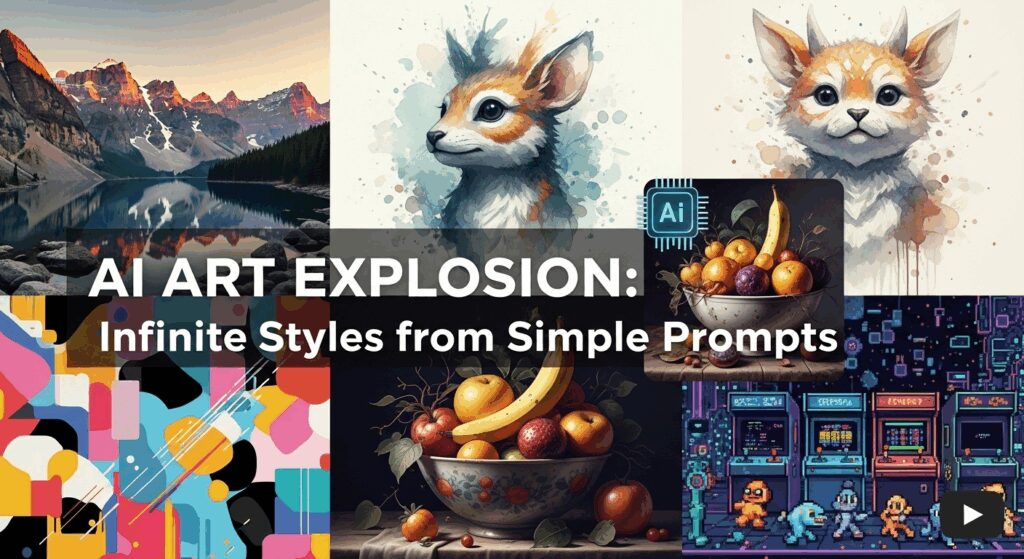
- Define the Style: Use terms like “watercolor illustration,” “vintage sci-fi poster,” “art deco pattern,” or “photorealistic.”
- Set the Mood: Words like “serene,” “chaotic,” “dreamlike,” or “nostalgic” can dramatically change the output.
- Compose the Shot: Use photography terms like “wide-angle shot,” “macro lens,” “golden hour,” or “depth of field.”
Experimentation is key! Keep a log of prompts that work well and develop your unique style.
Step 3: Upscale and Refine Your Artwork
Most AI generators produce images at a resolution that’s fine for screens but not for high-quality printing. To sell prints, you need high-resolution files (300 DPI is the standard). This is where upscaling tools come in.
- AI Upscalers: Tools like Gigapixel AI, Topaz Photo AI, or free alternatives can increase your image’s resolution without losing quality.
- Manual Refinements: Open your upscaled image in a program like Adobe Photoshop, Affinity Photo, or Photopea (a free online tool). You can adjust colors, fix minor AI artifacts, or add text to create a truly finished product. This human touch adds immense value.
How to Set Up Your Shop for Selling AI-Generated Art on Etsy
With your beautiful art ready, it’s time to set up your digital storefront.
Digital Downloads vs. Physical Products
You have two main paths for selling your art:
- Digital Downloads: This is the simplest model. You sell high-resolution digital files (JPGs, PNGs, or PDFs) that customers can download and print themselves. It’s passive income at its best—create it once, sell it forever.
- Physical Products (Print-on-Demand): You can sell your art as physical prints, canvases, mugs, t-shirts, and more without ever touching inventory. You’ll partner with a Print-on-Demand (POD) service like Printful or Printify. When a customer places an order, the POD company prints, packs, and ships the product for you. This offers higher price points but involves managing integrations and customer service for physical goods.
Optimizing Your Etsy Listings
A great product needs a great listing to be found.
- Killer Keywords: Think like a customer. What would they search for? Use terms like “printable wall art,” “abstract nursery decor,” “vintage floral print,” or “dark academia art.” Use all 13 tags and fill out your attributes completely.
- Honest Descriptions: Write a compelling description of the artwork. And remember—clearly state that it was created using AI tools and what your role in the process was (prompting, curating, editing).
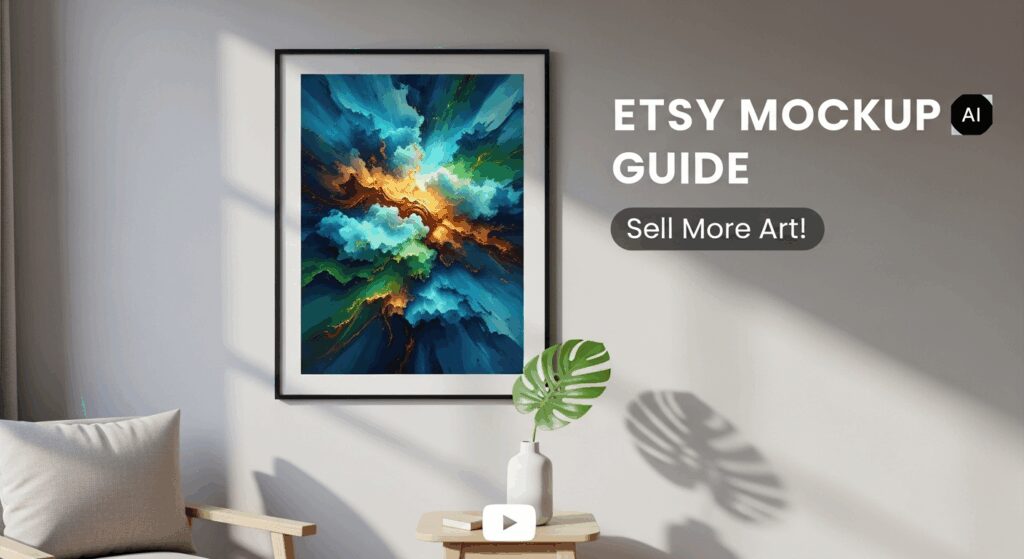
- Stunning Mockups: Don’t just show the flat image. Use mockup templates to display your art in a real-world context, like a framed print hanging in a stylish living room. This helps customers visualize the product in their own homes.
Final Thoughts & Best Practices
Building a successful business selling AI-generated art on Etsy is an exciting journey. It’s a blend of technological skill, artistic vision, and smart business strategy. Remember to stay transparent about your process, focus on creating high-quality and unique art, and provide excellent customer service.
The digital art landscape is always evolving, and being an early adopter puts you in a powerful position. Embrace the learning process, refine your style, and don’t be afraid to experiment.
Now it’s over to you! Have you started selling AI art on Etsy? Do you have any questions or tips to share? Drop a comment below—we’d love to hear about your creative journey! 👇